Why game night fails without crossplay
Why game night fails without crossplay
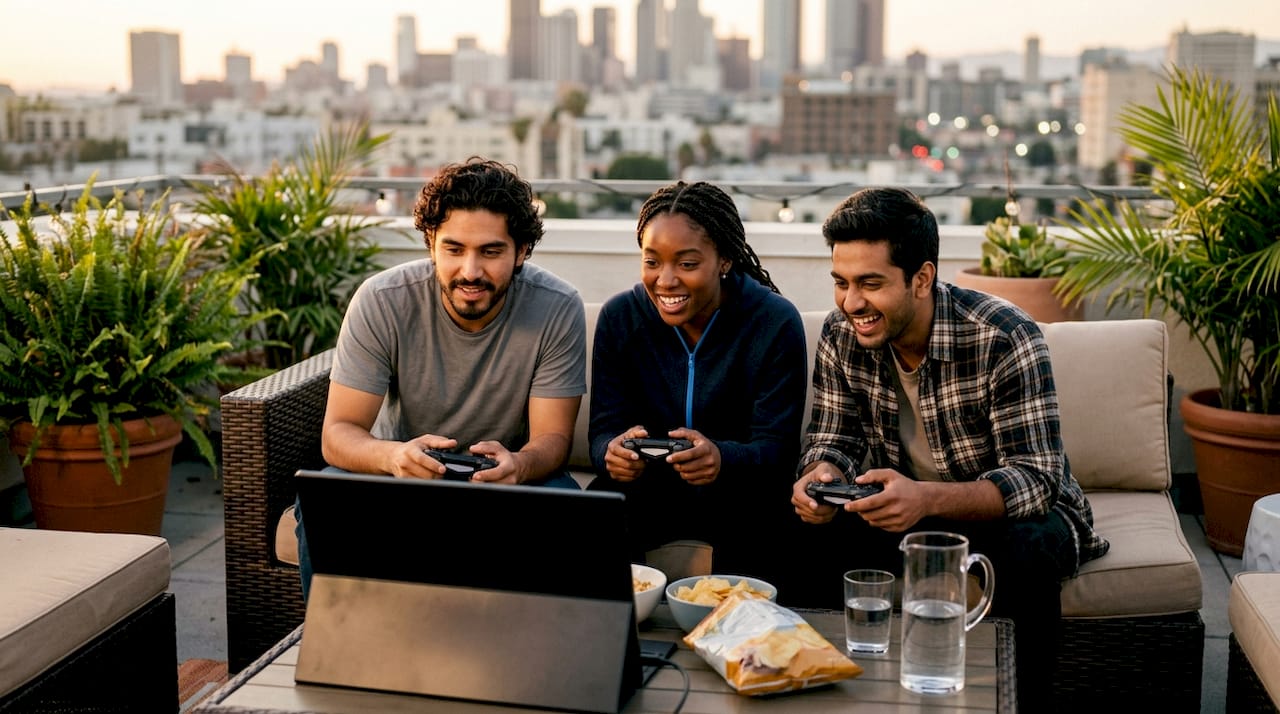
Crossplay is defined as the ability for players on different hardware platforms to play together in the same multiplayer session. Without it, your group fragments across PlayStation, Xbox, PC, and Nintendo Switch into separate islands that cannot connect. This is the core reason why game night fails without crossplay: your friends own different consoles, and the game simply refuses to put them in the same lobby. Matchmaking queues without crossplay run 50–100% longer, which means your group either waits in silence or gives up entirely. Pickthe exists to help groups cut through exactly this kind of friction.
Why game night fails without crossplay: the technical barriers
Crossplay is not a feature developers can add in an afternoon. Retrofitting crossplay post-launch is described by developers as a near-architectural backend change that can take months. Each platform runs its own account authentication, matchmaking logic, and server infrastructure. Connecting those systems means rewriting the parts of the game that were never designed to talk to each other.
The operational side is just as demanding. Managing crossplay requires coordinating legal compliance, regional regulations, customer support pipelines, and account security across multiple platform holders simultaneously. Studios with limited budgets often deprioritise crossplay in favour of content updates that drive immediate revenue. The result is a game that works brilliantly within one platform but leaves everyone else locked out.
The matchmaking impact is direct and measurable. When players are split by platform, each pool shrinks. Smaller pools mean longer queues, and longer queues mean your group stops playing before the session even starts.

| Scenario | Estimated matchmaking wait | Group impact |
| --- | --- | --- |
| Crossplay enabled, full pool | Short queue | Group stays together, session starts quickly |
| No crossplay, mid-size title | Moderate queue | Some players drop off while waiting |
| No crossplay, older or niche title | Long queue | Game mode effectively dead, group abandons session |
Pro Tip: If your group keeps hitting long queues, check whether the game has a crossplay toggle buried in its network settings. Many titles ship with crossplay disabled by default.How does account linking break cross-platform group sessions?
Account linking is where most game nights fall apart in practice. Successful crossplay often requires linking accounts on external services such as Epic Games or Activision before the in-game friend system works at all. Your platform friend list and your in-game friend list are two separate things. Players who skip the linking step cannot send or receive party invites, even when the game technically supports crossplay.
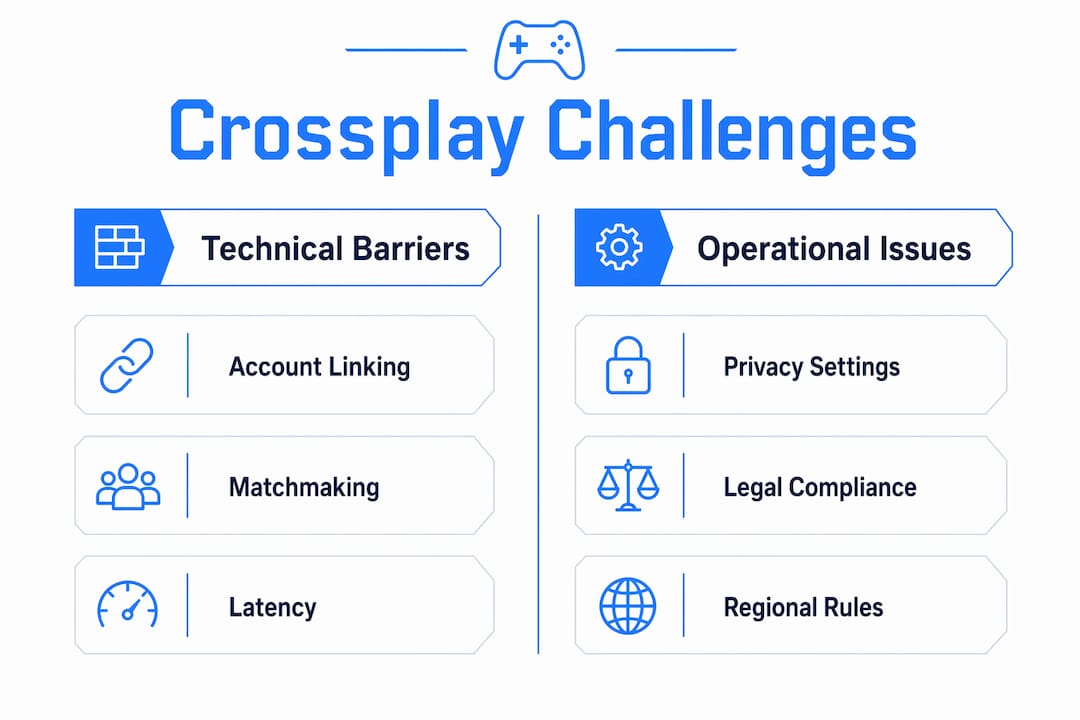
Platform privacy settings add another layer of failure. Console manufacturers give players granular controls over who can contact them across networks. When those settings are left on their default restrictions, crossplay invitations simply never arrive. The sender sees no error. The recipient sees nothing. The group assumes the game is broken.
Voice chat compounds the problem further. Console privacy controls frequently override in-game voice chat, cutting off cross-network communication even when the lobby itself connects. Platform-specific audio pipelines are not designed to route voice between competing ecosystems. Your group ends up in the same match but unable to talk to each other.
Here are the most common failure points to check before your next session:
- Account linking: Confirm every player has linked their platform account to the game's publisher account (Epic, Activision, Ubisoft Connect, etc.)
- Privacy settings: Set cross-network communication to "Allow" on PlayStation, Xbox, and Nintendo Switch before launching the game
- Friend list type: Add friends via the in-game ID system, not just the platform friend list
- Voice chat source: Switch to Discord for voice if the in-game audio drops out across platforms
- Game version: Confirm all players are on the same update. Mismatched versions block crossplay silently
Does crossplay make matchmaking unfair for your group?
The fairness debate in crossplay is real but often overstated. Hardware performance differences affect gameplay more than input device alone. A high-end PC with a fast graphics card creates a larger advantage than a mouse versus a controller in most titles. That said, input differences do matter in competitive shooters, and most serious developers now use input-based matchmaking to group mouse and keyboard players separately from controller players.
The bigger issue for casual game nights is queue composition. When your group mixes platforms, the matchmaking system has to find opponents who can fill the remaining slots across all represented platforms. This increases queue complexity and can occasionally push your group into lobbies with higher-skill players from larger platform pools.
| Input type | Typical matchmaking pool | Effect on group play |
| --- | --- | --- |
| Mouse and keyboard (PC) | Large, competitive | Faster queues, higher average skill level |
| Controller (console) | Medium, varied | Balanced queues in most titles |
| Mixed group (PC + console) | Combined pool | Slightly longer queues, broader skill range |
| No crossplay (platform-only) | Small, shrinking | Long queues, limited match variety |
Latency is a separate concern. Cross-platform lobbies pull players from wider geographic regions, which can introduce higher ping for some participants. Most modern titles use regional server selection to minimise this, but it is worth checking server region settings if your group notices lag spikes during crossplay sessions.
Why did platform policies slow crossplay adoption for so long?
Platform holders, not developers, were the original gatekeepers of crossplay. Court documents from the Epic vs Apple case revealed that Sony resisted crossplay partly due to a "Cross-Platform Revenue Share" model, which required revenue reporting and audit rights from developers. Allowing players to purchase content on a cheaper platform and use it on Sony's network threatened that revenue structure.
The practical effect on players was significant:
- Millions of gamers on different platforms could not play together for years, even when the technology was ready
- Developers who wanted crossplay faced commercial negotiations with platform holders before writing a single line of code
- Player communities split permanently along platform lines, reducing the social value of multiplayer titles
- Smaller studios avoided crossplay entirely rather than navigate the commercial complexity
The situation has improved considerably. Sony opened crossplay broadly from 2019 onwards, and Microsoft has positioned crossplay as a selling point across Xbox and PC. Cross-progression is now considered the gold standard alongside crossplay, letting players carry progress across devices and further reducing the cost of switching platforms. Revenue complexity has not disappeared, but it no longer blocks crossplay outright for most major titles.
Practical tips to stop your game night failing
Preparation is the single biggest factor in a successful crossplay session. Most problems your group encounters are not server failures. The majority of crossplay issues stem from account linking errors, platform privacy blocks, and configuration mistakes. Fixing those before the session starts eliminates most failures before they happen.
Use these steps to set your group up properly:
- Choose the right game first: Use a crossplay compatibility checker to confirm the title supports all platforms in your group before anyone downloads it
- Use Discord for voice: Platform voice chat is unreliable across networks. Set up a Discord server for your group and use it as your default audio channel
- Update everything: Confirm all players have installed the latest game patch and platform firmware before the session
- Check NAT types: NAT restrictions cause silent failures where players can join public lobbies but cannot enter private party sessions. Set routers to UPnP or open NAT where possible
- Complete account linking in advance: Do not leave publisher account linking until the session starts. It takes time and often requires email verification
- Enable cross-network play in platform settings: This setting is separate from the in-game crossplay toggle and must be enabled on the console itself
For groups that struggle to agree on a game, Pickthe lets everyone swipe through options and vote in real time, with crossplay compatibility built into the selection process. That removes the pre-session argument entirely and gets your group into a lobby faster. You can also browse crossplay-compatible games for groups to shortlist titles before the session.
Key takeaways
Crossplay failures are almost always preventable: account linking, privacy settings, and NAT configuration cause the vast majority of group session breakdowns, not server instability.
| Point | Details |
| --- | --- |
| Crossplay prevents platform fragmentation | Without it, matchmaking pools shrink and queues grow 50–100% longer. |
| Account linking is the top failure point | Every player must link publisher accounts before in-game friend invites work. |
| NAT type blocks private sessions silently | Set routers to open or UPnP NAT to allow private cross-platform party joins. |
| Use Discord for voice chat | Platform privacy controls override in-game audio; Discord bypasses this reliably. |
| Check compatibility before choosing a game | Confirm crossplay support across all group platforms before anyone downloads a title. |
What I have learned from running crossplay game nights
The honest truth is that crossplay problems feel technical but are mostly organisational. The times our sessions fell apart were almost never because the servers were down. They were because one person had not linked their Epic account, or someone's console had cross-network play switched off, or we picked a game that only supported crossplay between two of the four platforms we were on.
The unfairness debate is worth addressing directly. I have played in mixed PC and console lobbies for years, and the skill gap people worry about is real in ranked competitive modes. For casual group nights, it barely registers. You are playing with friends, not strangers trying to climb a leaderboard. The broader player pool actually makes sessions more varied and interesting.
What changed everything for our group was deciding on the game before the session, not during it. Spending twenty minutes arguing about what to play while half the group sits idle is a mood killer. Using a tool that shows compatibility upfront and lets everyone vote cuts that dead time completely. The session starts with energy rather than frustration.
Crossplay is still not perfect. Some titles handle it better than others, and the account linking requirements remain genuinely confusing for players who are new to a game. But the direction of travel is clear. More games support it every year, platform holders are no longer actively blocking it, and the tools available to groups have improved significantly. The friction is real, but it is manageable.
> — Pickthe
Finding the right game for your whole group
Picking a game your entire group can actually play together is harder than it sounds. Platforms differ, preferences differ, and crossplay support varies wildly even within the same genre.

Pickthe solves this directly. Its database covers over 6,000 multiplayer titles, with crossplay compatibility data built in. Your group creates a board, everyone swipes through options, and the platform surfaces games that work across all your platforms. The game voting app handles the decision in minutes, with a veto system so no one gets stuck playing something they dislike. If your group enjoys party games, the best party multiplayer games list filters by crossplay support so you can jump straight to titles that work for everyone. No arguments, no wasted downloads, and no one left out because they are on the wrong console.
FAQ
What is crossplay and why does it matter for game nights?
Crossplay is the ability for players on different platforms, such as PlayStation, Xbox, and PC, to play together in the same multiplayer session. Without it, your group splits across separate player pools and cannot join the same lobby.
Why do so many games still lack crossplay support?
Adding crossplay post-launch requires near-architectural backend changes to account authentication and matchmaking systems, which developers describe as taking months to implement. Budget constraints and competing priorities cause many studios to delay or skip it entirely.
Why can't I hear my friends during a crossplay session?
Console privacy settings frequently override in-game voice chat across platforms, cutting off cross-network audio even when the lobby connects. Switching to Discord for voice chat bypasses this problem reliably.
Does crossplay make matches harder or less fair?
Hardware performance differences affect gameplay more than input device alone, so the fairness gap is smaller than most players expect. Many titles use input-based matchmaking to separate mouse and keyboard players from controller players, reducing the competitive imbalance further.
How do I stop crossplay invites from failing?
Most invite failures come from incomplete account linking or platform privacy settings blocking cross-network contact. Link all publisher accounts before the session, set cross-network play to "Allow" in your console settings, and restart the game client after linking.