Top 5 Playgo.ai Alternatives for 2026
Top 5 Playgo.ai Alternatives for 2026

Getting your group to agree on a game that works for everyone wastes time and leads to abandoned sessions. Many group game selection tools lack real-time platform compatibility checks or force you to juggle different chat apps and external store links. This comparison breaks down group voting, compatibility checks, and crossplay features so your group can pick a better tool that actually gets you playing together.
Table of Contents
PickThe.Games

At a Glance
PickThe.Games reports over 6,000 games in its database. That figure gives you plenty of starting points when your group cannot agree on a title. The platform works in the browser and links into Discord for in-chat voting and coordination.
Core Features
The service centres on a swipe interface that lets friends vote through game options quickly, and it records platform compatibility and crossplay support for each title. It supports multiplayer and single player games across major platforms and includes Discord integration with slash commands and embedded activities. A streaming mode lets Twitch hosts run live polls while viewers help pick the next game.
Key Differentiator
PickThe.Games is the only tool that combines group voting, crossplay checking, and multi platform support inside Discord and the browser. That combination places platform availability where groups already chat, removing the need to check multiple stores or compatibility pages. The net effect is faster decisions and fewer aborted sessions due to mismatched platforms.
Pros
Putting voting, compatibility checks and platform availability in one place reduces the usual back and forth when you plan a game night. The Discord link keeps choice within your group chat, and the swipe mechanic gives everyone equal input, so decisions do not come down to one loud voice. PickThe.Games is free to use with no paywalled features, and quick setup means you can reach a decision before guests arrive or during a live stream.
Cons
- Limited to multiplayer and platform compatibility data, not a full discovery database for solo play.
Who It's For
This tool fits gaming groups and streamers who need a fast way to pick multiplayer sessions that actually work for everyone. Your group will benefit if members use different platforms or you host public streams and want viewer participation. Communities organising regular sessions will find the voting mechanics particularly useful.
Unique Value Proposition
Streamer mode and Discord slash commands let hosts run live polls while the system checks platform and crossplay details in the background. That reduces the time you spend googling compatibility during streams or group chats. The result is more playtime and fewer compatibility surprises when players join.
Real World Use Case
A Twitch host opens streamer mode, invites viewers to vote through Twitch polls, and simultaneously posts the same board into Discord for players to confirm availability. Viewers influence the choice while the platform shows which combinations will allow crossplay. The host selects the highest voted game that actually supports the attending players.
Website: https://pickthe.gamesPlayGo
At a Glance
PlayGo lets you turn texts, tunes, or memes into playable games in minutes. The platform centres on live rule changes during matches, which keeps sessions unpredictable. Its arcade is an endless feed of community created games that refresh constantly.
Core Features
PlayGo gives members tools to create games without coding and to remix existing games on the fly. Matches allow directors to alter rules mid game and the site serves an infinite queue of community creations for casual play. The interface focuses on rapid swapping between short, party style experiences rather than long structured campaigns.
Key Differentiator
The platform’s standout mechanism is live rule remixing, which lets your group change gameplay while a match is underway. That alone shifts the role of players into directors and keeps each session fresh. The combination of spontaneous rule edits and a continuous community feed sets PlayGo apart from more static creation hubs.
Pros
PlayGo encourages playful experimentation and lowers the barrier to making a game. Members can produce something silly from a meme or a tune and have others play immediately. The live remix feature creates memorable, chaotic sessions that fit quick game nights and social streams. Community generated content supplies variety so your group rarely sees the same game twice.
Cons
- Lacks detailed customisation options for advanced creators. Power users will find rule depth limited compared with dedicated editors.
- Gameplay can feel overly chaotic for groups that prefer clear objectives. Sessions depend on group temperament.
- Oriented toward casual, party style titles rather than traditional structured games. Expect short rounds and whimsical mechanics.
When It May Not Fit
If your group prefers competitive ranked play or long campaign progression, PlayGo will frustrate you. Designers seeking deep parameter control and scripting will miss advanced editors and versioning. Communities aiming to host persistent leaderboards or formal tournaments will need a different platform.
Who It's For
PlayGo suits casual gamers and content creators who want quick, playful game nights and easy sharing. It fits groups that value improvisation and unpredictable session turns. Streamers and social players who enjoy audience driven antics will get the most from the format.
Real World Use Case
Your group creates a themed night by converting a popular meme thread into a set of mini rules, then plays while a host remixes those rules each round. Players vote on changes and the match evolves into a comedic spectacle. The result is a short, replayable party session that keeps everyone involved.
Website: https://playgo.aiAll Out
At a Glance
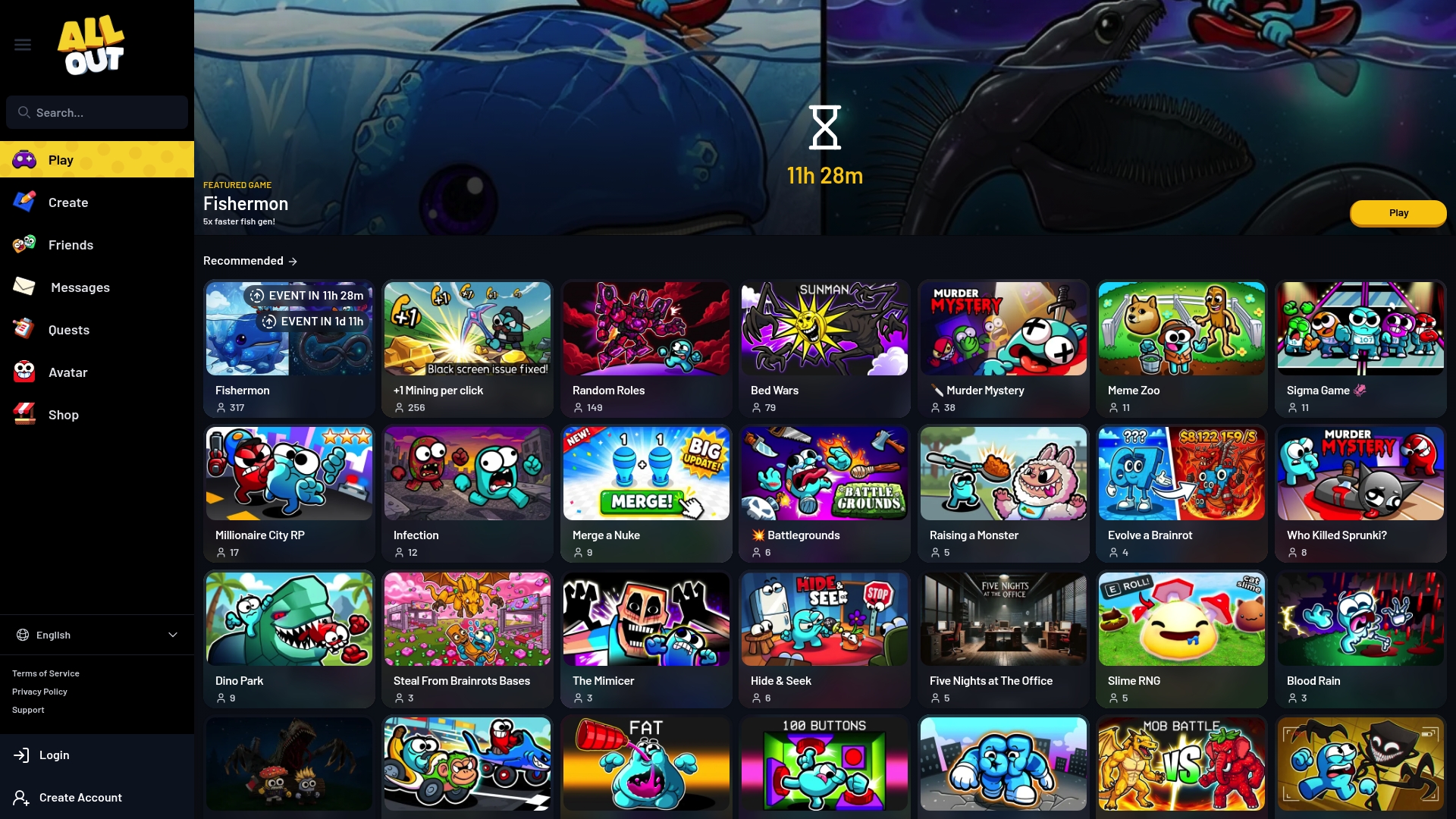
All Out reports 250,000 high-quality assets, including textures, animations, and sounds. The platform combines local and cloud build tools with one-click multiplayer for iOS, Android, and PC. That mix makes it faster to move from idea to a playable multiplayer session.
Core Features
All Out provides game creation tools that run locally on PC and in the cloud, and it uses a custom scripting language for multiplayer logic. The platform offers a large asset library plus AI-native cloud build tooling that lets you compile and publish from most devices. One-click multiplayer and device crossplay reduce friction when you want to bring a live audience into a session.
Key Differentiator
The notable edge is the combination of AI-native cloud build tools with the extensive asset library. That combination shortens the technical work required to assemble levels and mechanics. Developers and creators can iterate faster because cloud builds remove local setup bottlenecks.
Pros
Fast iteration thanks to the AI-assisted cloud builds and the asset catalogue, which reduces time spent sourcing art and sound. The dual local and cloud workflow gives you flexibility when working on a laptop or a studio PC. Built-in multiplayer and the scripting language focus the platform on community play and streaming use cases, which suits creators who need publishable games quickly.
Cons
- Requires some game design and programming knowledge to get the best results. This raises the entry bar for absolute beginners.
- Free cloud build usage is limited, and heavy use requires a subscription. Long development sprints can incur cost.
- The platform may feel complex to people who want only visual, no-code tools. Expect a learning curve with the scripting language.
When It May Not Fit
If you and your group have no coding background and want purely drag-and-drop creation, this platform may be frustrating. If you need unlimited free cloud builds for rapid prototyping, the subscription model will be a constraint. Teams on very tight budgets who cannot commit to paid tiers may find the limits restrictive.
Who It's For
This product fits game developers, hobbyists, and content creators focused on multiplayer experiences and live streaming. If you run a YouTube or Twitch channel and want to publish original mini-games for your audience, this matches your workflow. It also suits small teams that can handle script logic and want quick deployment.
Real World Use Case
A YouTuber uses All Out to assemble a multiplayer mini-game from the asset library, scripts the game logic, and publishes it to an audience during a live stream. Viewers join across devices using the one-click multiplayer feature, creating immediate engagement. That playback loop helps the creator test mechanics and build community interaction.
Pricing
The entry level is free, with subscription tiers required for extended cloud build usage and heavier production work. Pricing is tiered by cloud build capacity rather than by seat count. For teams that rely on frequent cloud builds, a paid tier becomes necessary.
Website: https://allout.gameRoll Games
At a Glance
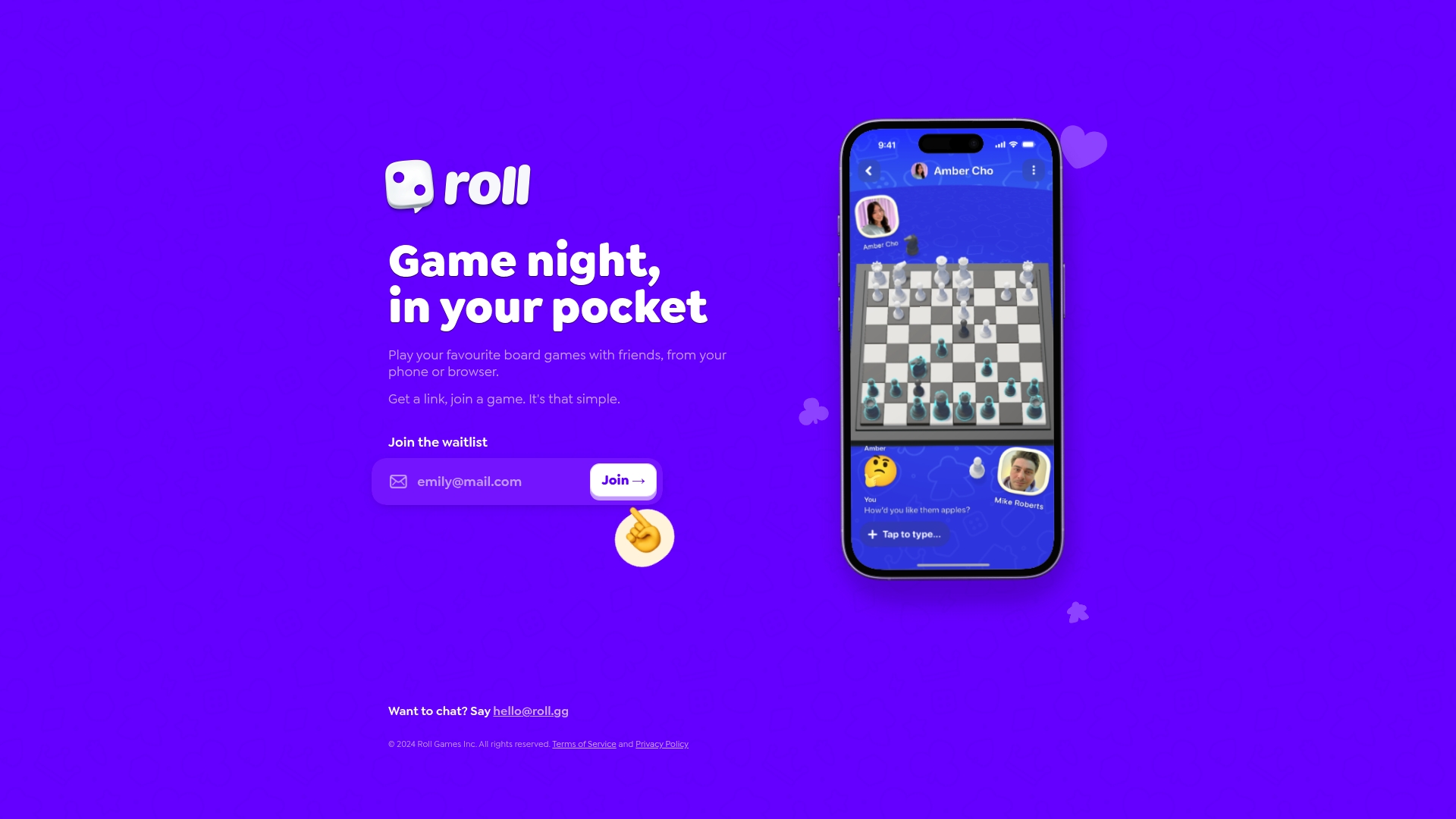
Currently in a waitlist phase, Roll Games centres on letting groups join board game sessions via a simple shared link. The service runs in a browser and on mobile, so players do not need to install apps to start a session. The emphasis is on quick, casual social play rather than large libraries or tournament features.
Core Features
The platform lets groups start multiplayer board game sessions by sharing a link, which reduces setup friction for casual gatherings. Gameplay runs in-browser and on phones, so sessions work across devices with a minimal user interface focused on table talk and shared choices. The feature set is deliberately small while the team develops more titles and stability.
Key Differentiator
The standout is the link based multiplayer approach that turns an invite URL into the whole setup. That single mechanic removes account juggling and download barriers for friends who want to play now. For groups that value speed of entry and low technical overhead, that design choice matters more than an extensive catalogue.
Pros
Easy link sharing gets a group into a session with almost no coordination, which suits last minute game nights and casual club meetups. Running in the browser means friends can join from different devices without managing installs or updates. The interface keeps focus on social interaction, which matches the needs of families and community groups that prefer simple rules over feature rich platforms.
Cons
- In early development stage, there may be limited game variety and fewer rule sets compared with mature services.
- Availability and stability depend on ongoing development and server reliability during the waitlist phase.
- Limited public detail on specific game titles and advanced features makes it hard to plan long running campaigns.
When It May Not Fit
If your group needs a large catalogue of niche board titles, this early stage offering may not meet that requirement. Competitive groups who expect ranking systems, match history, or robust lobby tools will find the feature set too thin. Teams that rely on guaranteed uptime for scheduled tournaments should prefer a platform with established availability records.
Who It's For
Social gamers, families, and community groups seeking quick remote game nights will find Roll Games attractive. It suits organisers who want minimal setup and who prioritise getting everyone around one virtual table fast. It also fits groups where participants use a mix of phones and desktop browsers and prefer not to install extra software.
Real World Use Case
A friend group planning a Friday evening session can create a game, copy the link, and drop it into a Discord channel or chat. Players click the link on their phones or laptops and join the same board without creating accounts or downloading apps. That flow keeps the focus on play and chat rather than technical setup, which helps casual groups start sooner.
Website: https://roll.ggGamesFinder
At a Glance
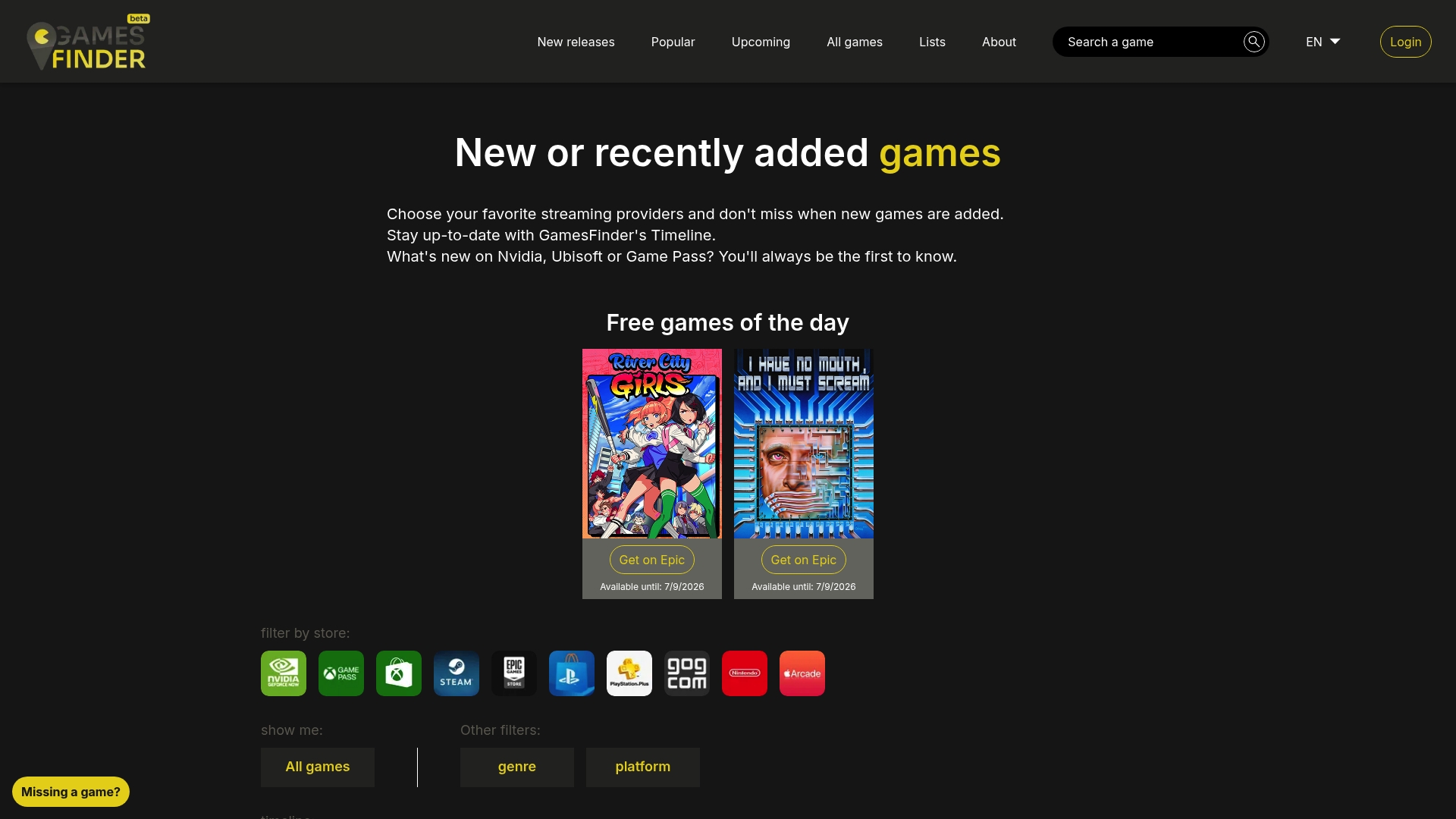
Tracks release and update posts from Nvidia, Ubisoft, and Game Pass in a single timeline. The site highlights a daily free games entry so you see current free offers at a glance. Filters by store, genre, and platform make it quick to narrow results for your group.
Core Features
GamesFinder collects chronological updates from multiple digital stores and streaming services, then displays them in a timeline you can browse. The site lets you filter listings by store icons, genre, and platform while showing direct links to each store page. A dedicated daily free games section points you straight to temporary offers and deals.
Key Differentiator
GamesFinder consolidates release and update posts across stores into one visual timeline. That timeline keeps sequential updates central so you can follow announcements and free offers without switching sites. Bold store icons speed up filtering when you need to check a specific storefront.
Pros
The site delivers fast access to recent releases and store deals in one place. Its store filters reduce noise when your party only owns certain platforms. Direct links from each listing send you to the store page for purchase or download without extra searching.
GamesFinder also surfaces daily free games clearly, which is handy for streamers and groups hunting short, free sessions. The timeline view helps you spot sequencing of updates from providers and planned drops.
Cons
- No review or rating system. You will need another site for user opinions and scores.
- Limited game descriptions. Listings focus on links and release notes rather than gameplay detail.
- Little community interaction. The site does not host forums or social features for group discussion.
- Narrow editorial content. You will not find long-form analysis or curated lists on the site.
When It May Not Fit
If you want in-depth reviews, player ratings, or community threads, GamesFinder will feel thin. The site concentrates on release notifications and links instead of long write ups or video content. For groups that decide by peer reviews or gameplay footage, this will not replace review hubs or forums.
Who It's For
You and your group if you want a fast feed of new releases, store deals, and daily freebies. Streamers who announce new titles will find the timeline useful for spotting publish dates and promos. Players who only need clear store links and filters will benefit most.
Real World Use Case
A streamer checks the timeline each morning to spot a newly listed free game from a major store. They copy the store link into chat and schedule a short streams segment for that evening. The audience can grab the title quickly because the listing includes the direct store page.
Website: https://gamesfinder.ggComparison of alternatives
Choosing the right tool for organising multiplayer gaming sessions depends on factors such as ease of platform compatibility, collaborative decision-making tools, and accessibility. Each reviewed platform offers distinct advantages, catering to different audiences and use cases. Here, we compare the primary considerations for players and organisers.
Collaborative and dynamic gaming tools
PickThe.Games integrates a voting-based decision tool with crossplay and platform compatibility verification, directly within Discord. This allows gaming groups to collectively decide on games while ensuring technical feasibility, without relying on external tools or manual checks. PlayGo, contrastingly, excels in fostering casual experimentation. Its capability to remix game rules dynamically creates uniquely tailored sessions, making it ideal for fun and unpredictable game nights. Groups seeking engagement through real-time adjustments will appreciate this unique feature.
Advanced creation and integration workflows
All Out distinguishes itself through tools designed for small teams and creators. With its AI-native cloud build processes, substantial asset library, and capability for detailed multiplayer scripting, this platform appeals to developers and content creators aiming for custom game production. In comparison, GamesFinder offers immediate awareness of free game opportunities and recent releases, ideal for those tracking budget-conscious or time-sensitive gaming options. However, it lacks decision-making integration beyond its timeline and links.
Best fit
- For groups needing a simple, effective solution to coordinate multiplayer sessions across devices, PickThe.Games is an excellent choice.
- For casual gamers wanting creative, rule-bending experiences, PlayGo offers an enjoyable outlet with chaotic matches and endless scenarios.
- Developers or content creators looking for powerful game assembly and publishing tools will find All Out aligns well with their goals.
- Those prioritising up-to-date information on free or discounted games should consider GamesFinder for its highly focused feed.
Our pick
For multiplayer gamers who value ease of compatibility checks and collaborative decision-making, PickThe.Games provides effectiveness in improving planning experiences. Its combination of crossplay validation, Discord integration, and group-focused voting epitomises utility for group sessions. However, groups seeking advanced customisation or on-the-spot rule creation may benefit from the suitable alternative platforms discussed.
Here’s a table providing a clear comparison of group game selection tools to assist in identifying which platform aligns with your needs.
| Platform | Key differentiator | Best for | Pricing | Notable limitation |
|------------------|---------------------------------------------------------------------------|-----------------------------------------|---------------------------|-------------------------------------------------------|
| Pickthe | Crossplay checks and voting via Discord integration | Gaming groups needing quick setups | Free | Limited to multiplayer and compatibility data only |
| PlayGo | Live rule remixing adds dynamic gameplay twists | Casual gamers seeking creative sessions | Price not published | Limited options for advanced customisation |
| All Out | AI-native cloud builds combined with extensive asset library | Developers focused on multiplayer games | Free tier, paid for more | Requires game design knowledge for effective use |
| Roll Games | Simple link-based multiplayer game initiation | Families and community groups | Price not published | Limited game selection and early development stage |
| GamesFinder | Consolidated release timelines and free game notifications | Streamers tracking new deals | Price not published | Focused on updates; lacks detailed reviews and forums|
Choosing the Right Party Game Can Be Tricky for Groups
When your group wants to try new games quickly, it helps to have a clear way to decide together. Many players find that without a fast, fair system, discussions drag on, and compatibility issues get in the way. That challenge creates frustration around picking multiplayer games where everyone is included and ready to play.
Pickthe solves this by letting your group swipe through over 6,000 titles to vote on what fits. It checks crossplay and platform compatibility as you go, so no one ends up stuck without the right setup. Plus, Pickthe connects straight with Discord, putting decisions right inside your chat. This means less hassle and more time playing.
See how Pickthe turns game selection into minutes, not hours. Try it free and create your own voting board at Pickthe. Join the players cutting down setup arguments and starting game night with everyone on board.
FAQ
#### How does Pickthe help streamline the game selection process for groups?
Pickthe simplifies the game selection process by allowing friends to vote on game options quickly through a swipe interface. This feature helps reduce the usual back and forth when planning game nights, as it integrates compatibility checks into the voting process, making it easier to find games that work for everyone.
#### What is the difference between PlayGo and Pickthe when choosing a game for casual play?
PlayGo excels in offering a dynamic experience with live rule changes during matches that keep sessions unpredictable. In contrast, Pickthe focuses on providing quick compatibility checks and group voting mechanisms, making it ideal for gaming groups that need to finalise decisions on what to play efficiently.
#### Can I use Pickthe for single-player games?
Pickthe primarily centres on multiplayer and platform compatibility, so it may not be the best fit if your group is looking for tools specifically designed for single-player experiences. If you want to pick games that accommodate everyone in your group for multiplayer settings, Pickthe is a superior choice.
#### What features set Pickthe apart from other group game selection tools?
Pickthe stands out for combining group voting, crossplay checking, and multi-platform support all in one tool, integrating seamlessly with Discord for easy setup. This unique combination allows groups to decide on a game quickly, making it especially beneficial for those who often play across different platforms.
#### Is there a cost associated with using Pickthe for group gaming sessions?
Pickthe is free to use with no paywalled features, making it accessible for gaming groups looking to select games without financial commitment. This allows groups to reach decisions without worrying about subscription fees, which can be a barrier in other tools.