Game compatibility in co-streaming: a 2026 guide
Game compatibility in co-streaming: a 2026 guide
Game compatibility in co-streaming is defined as the degree to which a chosen game supports simultaneous, synchronised play and broadcast across multiple streamers' platforms and devices. When your group picks the wrong title, the whole collaboration falls apart before the first viewer tunes in. The role of game compatibility in co-streaming goes far beyond simply owning the same game. It shapes audio-visual sync, viewer accessibility, platform eligibility, and whether your audiences will actually stick around. This guide covers the technical requirements, strategic selection factors, and content creation benefits that make game compatibility the single most important decision in any co-stream setup.
How does game compatibility influence viewer experience and engagement in co-streaming?
Game compatibility directly controls what your viewers can see, hear, and interact with during a co-stream. A game that runs differently across PC, console, and handheld creates mismatched frame rates, inconsistent audio, and fragmented viewer experiences. That friction costs you audience retention before you have had a chance to build it.
Cross-platform features in games boost monthly digital sales by approximately 14.2%, which reflects how strongly players respond to titles that remove platform barriers. For co-streamers, that same accessibility translates directly into a wider pool of viewers who can relate to what they are watching, regardless of the device they play on themselves.
Multi-perspective viewing is where compatibility really pays off. Twitch Squad Stream lets 2–4 Affiliate or Partner streamers broadcast simultaneously, giving viewers the choice to switch between perspectives in real time. That feature only works well when the game itself supports consistent, low-latency play across all participants. A title that lags on one streamer's setup breaks the illusion of a shared experience.
Synchronised audio is equally critical. Unsynchronised streams create a jarring experience where viewers hear the same in-game event twice, seconds apart. That kind of technical slip signals unprofessionalism and drives viewers to leave.
Key factors that compatibility affects for your viewers:
- Audio-visual sync: Games with stable netcode reduce the chance of audio drift between co-streamers' feeds.
- Cross-platform accessibility: Titles with crossplay support mean your audiences on different devices all feel included.
- Multi-POV engagement: Compatible games allow Squad Stream features to function as intended, keeping viewers engaged across all channels.
- Latency consistency: Games with dedicated server infrastructure reduce the ping disparities that cause one streamer's feed to fall behind another's.
What are the technical and platform requirements for co-streaming?
Platform rules and publisher mandates set hard limits on which games you can co-stream and how. Ignoring them is not just a technical oversight. It can get your stream taken down mid-session.
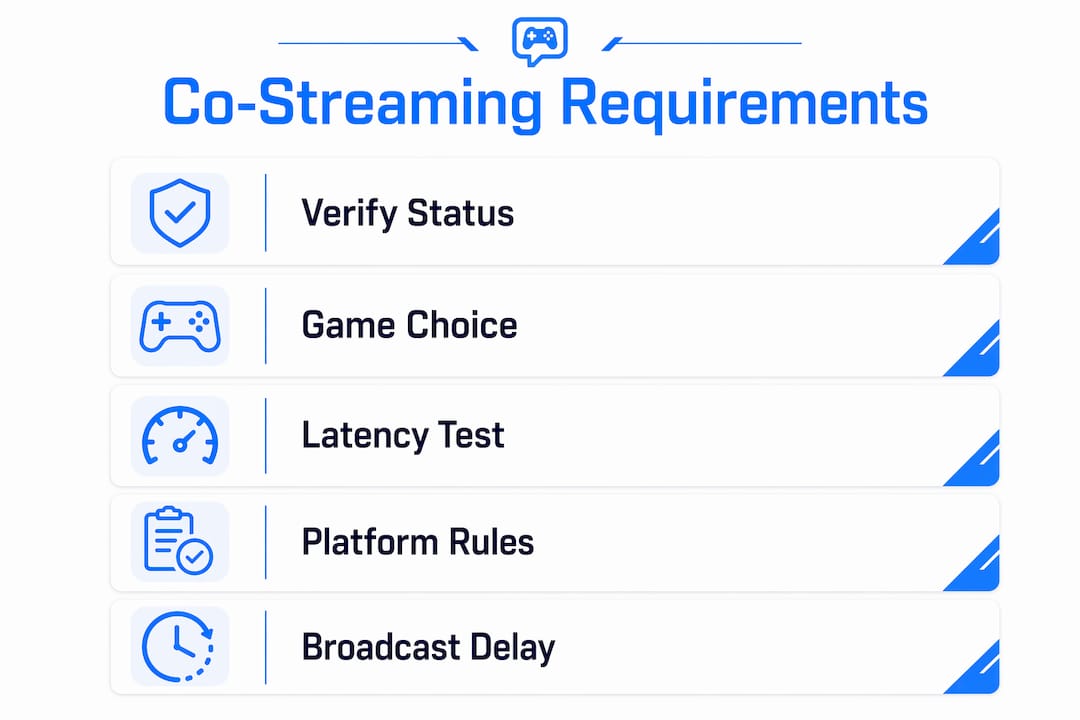
Official esports titles carry some of the strictest rules. CS2 co-streaming mandates a 180-second broadcast delay and a 5% webcam picture-in-picture limit. Those constraints exist to protect broadcast rights, but they also mean your co-stream format must account for the delay when planning audience interaction moments like polls or chat reactions.
Twitch's own infrastructure shapes compatibility choices significantly. Squad Stream is restricted to Affiliate and Partner accounts, and all participants must be live simultaneously. The feature permits different game titles across streamers, which gives you flexibility, but the best audience experience still comes from shared or closely related games. Platforms that lack native co-stream support require third-party tools to replicate the multi-feed experience, which adds technical complexity and potential points of failure.
| Platform feature | Requirement | Limitation |
| --- | --- | --- |
| Twitch Squad Stream | Affiliate or Partner status, all streamers live | 2–4 streamers maximum |
| Esports co-stream licences | Publisher approval, broadcast delay | Title-specific rules (e.g. CS2: 180s delay) |
| Third-party co-stream tools | External software setup | No native platform integration |
| Crossplay game support | Publisher-enabled crossplay | Not all titles support cross-platform play |
GDC 2026 research confirms that game compatibility is now a foundational expectation across PCs, laptops, and handhelds. That shift means viewers increasingly expect a consistent experience regardless of which streamer's feed they are watching. If your chosen game behaves differently across platforms, that expectation goes unmet. Pro Tip: Before committing to a co-stream game, check the publisher's official co-streaming policy page. Some titles require you to apply for a co-stream licence weeks in advance, particularly for esports events.What strategic factors should streamers consider when selecting games to co-stream?
Co-streaming game selection is not just a technical decision. It is a strategic one that affects audience retention, channel growth, and the chemistry between streamers on screen.
The most effective starting point is audience overlap analysis. Streamer overlap theory advises pairing creators with complementary audiences or adjacent content styles rather than identical ones. A co-stream between two creators whose audiences already overlap heavily produces diminishing returns. Pairing a competitive FPS streamer with a tactical strategy streamer on a shared title, however, introduces each audience to a genuinely new perspective.
Here are four strategic factors to evaluate before choosing your co-stream game:
1. Audience overlap percentage. Use platform analytics to check how much of your audience already watches your co-streamer. A lower overlap means greater potential for mutual audience growth.
2. Content style alignment. A game that suits both streamers' personalities produces more natural, watchable moments. A horror game works poorly if one streamer is visibly uncomfortable and the other is bored.
3. Skill disparity management. Large skill gaps between co-streamers create awkward viewing dynamics. Choose titles where both players can contribute meaningfully to the session.
4. Format compatibility. Some games lend themselves to cooperative formats, others to competitive ones. Decide in advance which format serves your shared audience best.
Successful co-streaming collaborations hinge on shared audience alignment and joint content formats that create genuine mutual dependence between streamers. That dependence keeps both channels invested in making the session work, which viewers can sense and respond to positively.
Pro Tip: Use "Third Space" game formats where neither streamer has a clear skill advantage. Party games, social deduction titles, and co-op survival games work well here. They level the playing field and generate the kind of banter that keeps viewers watching.How can co-streamers use game compatibility to grow their channels?
Compatible game choices multiply your content output in ways that solo streaming simply cannot match. A 3-hour Squad Stream session with four streamers can generate 40–80 clips, including 15–25 multi-POV highlights. That volume of content feeds social media, YouTube compilations, and short-form platforms simultaneously, extending the reach of a single session far beyond its original broadcast.
Multi-perspective clip generation also improves storytelling. A single in-game moment captured from four different angles gives editors material to build genuinely compelling highlight reels. That depth of content is only possible when the game supports stable, synchronised play across all participants.
The algorithmic side of co-streaming carries its own nuances. Asymmetrical partnerships without a credible activity baseline limit algorithmic growth benefits despite co-streaming exposure. Smaller channels may need to build consistent independent viewership before a co-stream collaboration triggers meaningful recommender signals on Twitch or similar platforms. Co-streaming amplifies what is already there. It does not create growth from nothing.
Key content and growth benefits from compatible co-streaming:
- Clip volume: Multi-POV sessions produce far more shareable moments than solo streams of the same length.
- Independent discovery signals: Each streamer's channel benefits separately from the algorithmic boost, provided both maintain strong solo activity.
- Audience cross-pollination: Viewers who discover one streamer through a co-stream often follow the others, growing all channels simultaneously.
- Content variety: Compatible games that support different play styles give each streamer a distinct angle, making the combined broadcast richer than any single feed.
Using a group game match system before your session helps your group agree on a title that suits everyone's platform and play style. That agreement removes the pre-stream negotiation that often delays broadcasts and frustrates audiences waiting in chat.
Streamers benefit most when both channels maintain strong independent activity alongside their co-streams. Treat co-streaming as a supplement to your regular schedule, not a replacement for it.
Key takeaways
Game compatibility in co-streaming determines audience experience, platform eligibility, and channel growth potential more than any other single factor in collaborative broadcast planning.
| Point | Details |
| --- | --- |
| Compatibility shapes viewer experience | Mismatched platforms cause audio drift and latency gaps that drive viewers away. |
| Platform rules set hard limits | Twitch Squad Stream requires Affiliate or Partner status; esports titles like CS2 mandate a 180-second delay. |
| Audience overlap drives growth | Pair with streamers whose audiences complement rather than duplicate yours for maximum reach. |
| Multi-POV clips multiply content | A 3-hour Squad Stream session can generate 40–80 clips, boosting social media and short-form output. |
| Independent activity matters | Smaller channels need a strong solo baseline before co-streaming triggers algorithmic recommendation benefits. |
Pickthe's take on game compatibility and co-streaming
The most common mistake we see streamers make is treating game selection as an afterthought. They agree on a co-stream date, sort out the technical setup, and then spend the last 20 minutes before going live arguing about what to play. That argument is a symptom of a deeper problem: compatibility was never part of the plan.
Technical synchronisation is harder than most guides admit. Even when two streamers run the same game on similar hardware, differences in internet routing, server region, and encoder settings can push feeds out of sync by several seconds. That gap is invisible to the streamers but obvious to viewers watching both feeds side by side. Fixing it requires testing, not assumptions.
Viewer expectations have also shifted. GDC 2026 research confirms that audiences now treat cross-platform consistency as a baseline requirement, not a bonus. Streamers who ignore that expectation find their co-streams feel dated compared to those who have done the compatibility work upfront.
The most underrated factor, though, is streamer chemistry. The right game creates natural moments of collaboration, tension, and humour. The wrong game forces both streamers to perform enthusiasm they do not feel. Audiences notice the difference immediately. Choose a game that genuinely suits both of you, and the technical work becomes worthwhile.
> — Pickthe
Finding compatible games for your next co-stream
Picking the right game for a co-stream used to mean a long group chat, conflicting opinions, and someone eventually giving in. Pickthe changes that process entirely.

Pickthe's multiplayer game finder holds over 6,000 titles and matches your group by platform, play style, and crossplay support in minutes. Each person in your group swipes through options, the veto system removes titles that do not work for everyone, and real-time voting surfaces the games your whole group actually wants to play. For co-streamers, that means less time negotiating and more time broadcasting. Pickthe also integrates directly with Discord, so you can run the whole selection process inside your existing group chat without switching apps.
FAQ
What is game compatibility in co-streaming?
Game compatibility in co-streaming refers to how well a chosen game supports synchronised, multi-platform play and broadcast across two or more streamers simultaneously. It covers crossplay support, latency consistency, and platform eligibility for features like Twitch Squad Stream.
Does cross-platform play improve co-streaming audience reach?
Cross-platform features in games are linked to a 12–15% increase in monthly digital sales, reflecting broader player accessibility. For co-streamers, that accessibility means a larger combined audience who can relate to the game being played.
What are the technical requirements for Twitch Squad Stream?
Twitch Squad Stream requires all participating streamers to hold Affiliate or Partner status and be live simultaneously. The feature supports 2–4 streamers and permits different game titles across channels.
How do I manage skill gaps between co-streamers?
Choose "Third Space" game formats where neither streamer holds a clear advantage, such as party games, social deduction titles, or co-op survival games. These formats reduce awkward skill disparities and generate more natural, entertaining on-screen chemistry.
Why does audience overlap matter for co-streaming game selection?
Pairing with a streamer whose audience only partially overlaps with yours maximises mutual growth potential. Heavy audience overlap between co-streamers produces diminishing returns, while complementary audiences introduce each group to a genuinely new creator.